Verwandeln Sie Vorlesungsfolien oder PowerPoint mit KI in Lernnotizen

Die KI von Pixno liest Ihre PowerPoint-, Google-Slides- oder Vorlesungs-PDFs, ergänzt Kontext aus dem Web und verwandelt sie in organisierte, durchsuchbare Notizen, die Sie überprüfen, bearbeiten und wiederverwenden können.

Kostenlos loslegen

Pixno: Folien zu Notizen

KI-Tool, das Ihre Folien in klare, durchsuchbare Notizen verwandelt

Laden Sie Ihre Kursfolien, Meeting-Decks oder Trainingspräsentationen hoch und lassen Sie Pixno automatisch strukturierte Notizen, Zusammenfassungen und eine durchsuchbare Wissensbasis erstellen. Funktioniert mit PowerPoint, Google Slides, Keynote und Vorlesungs-PDFs.

Folien visuell verstehen

Folien visuell verstehen

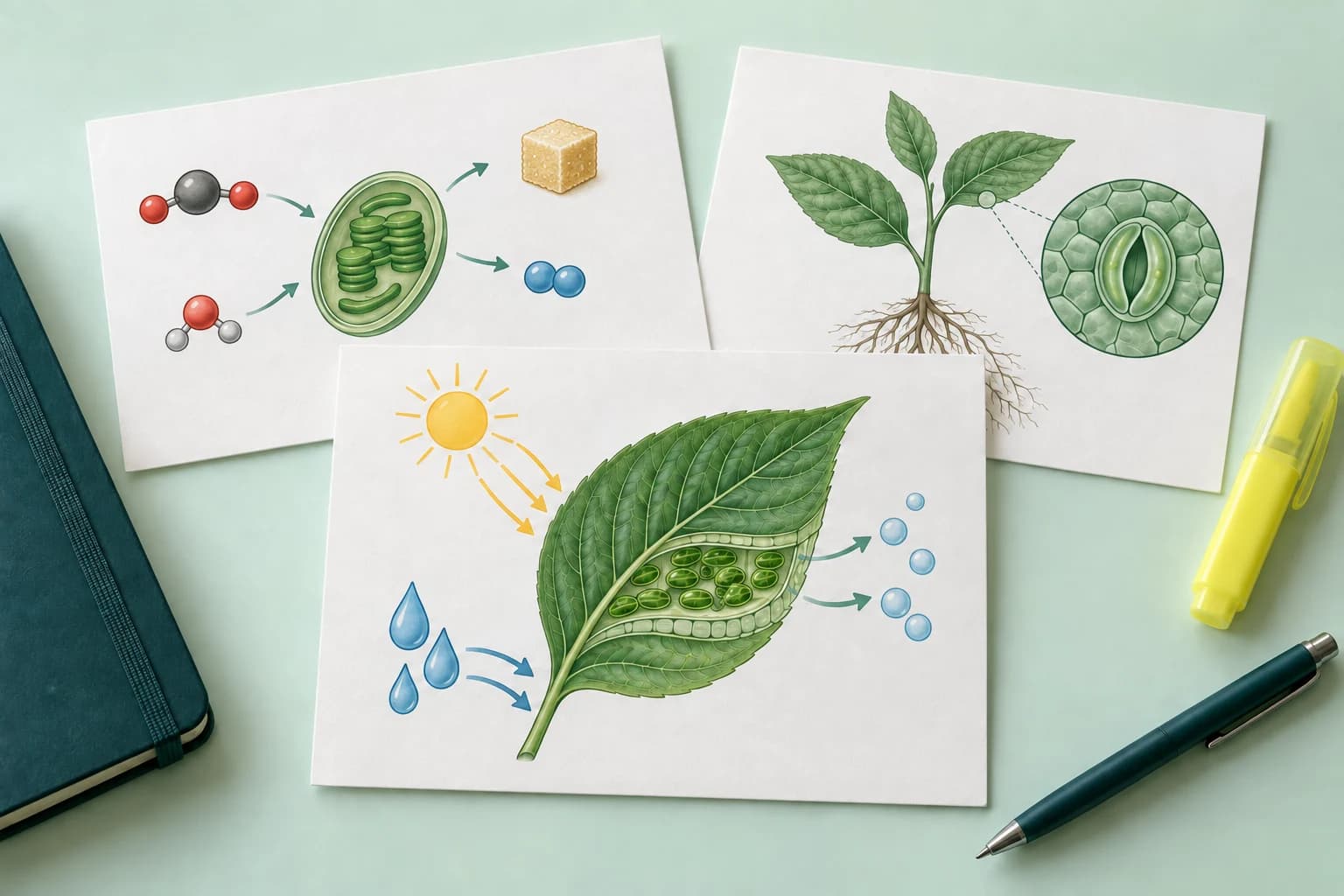
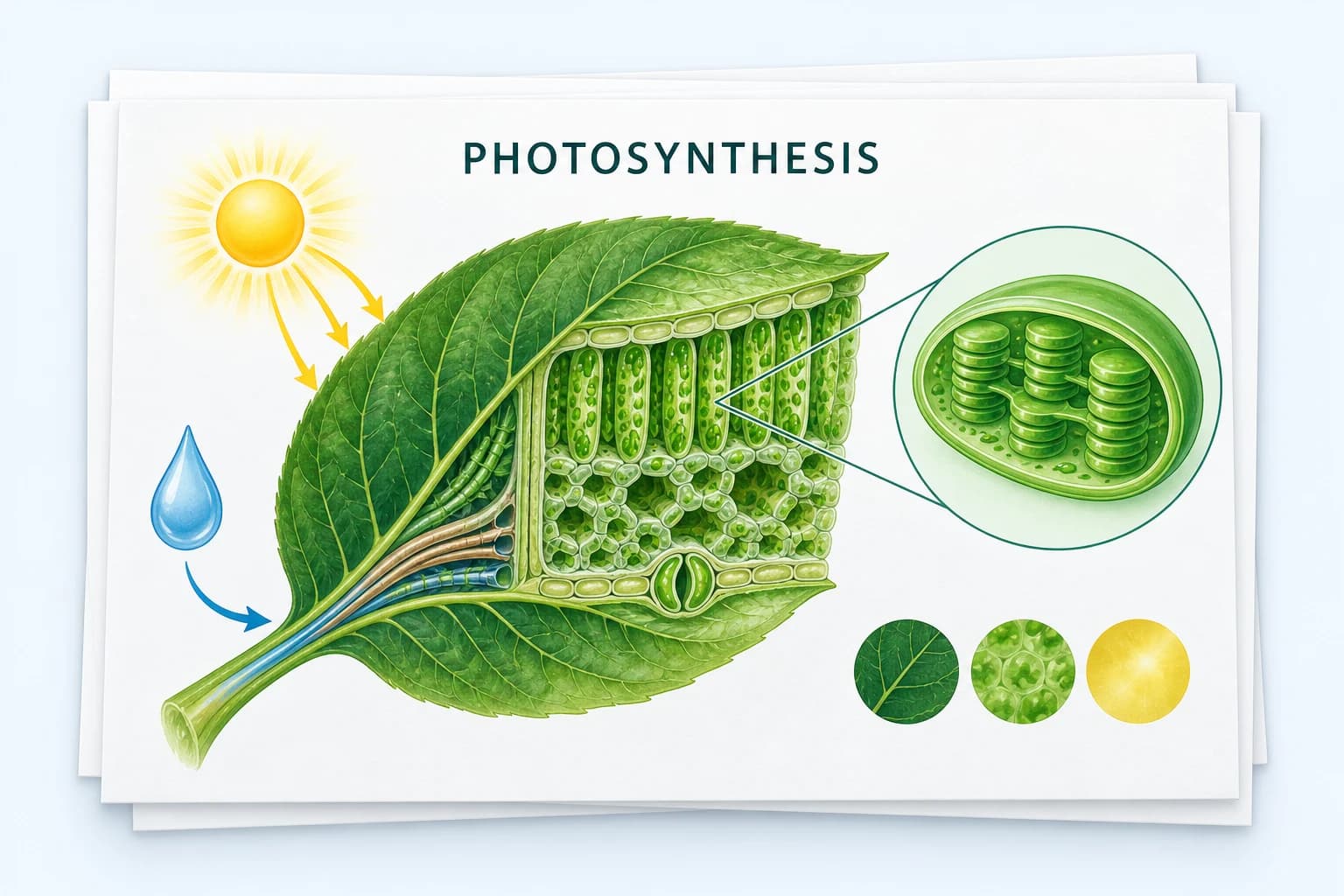
Pixno nutzt fortschrittliche Vision-Modelle, um alles auf Ihren Folien zu lesen – Text, Bilder, Diagramme und Charts. Es verwandelt Ihre Präsentation in gut strukturierte Notizen, sodass Sie Vorlesungen oder Meetings nicht mehr unterbrechen müssen, um mitzuschreiben.

Zusätzliche Informationen recherchieren

Ein KI-Agent ergänzt Ihre Notizen automatisch um relevante Web-Ergebnisse, Definitionen und Beispiele. Pixno füllt fehlenden Kontext aus Ihren Vorlesungsfolien auf, damit Ihre finalen Notizen leichter zu lernen und besser für Prüfungen oder Folgeaufgaben geeignet sind.

Zusätzliche Informationen recherchieren
Einen persönlichen KI-TA aufbauen

Einen persönlichen KI-TA aufbauen

Jeder Foliensatz wird zu einer persönlichen Wissensbasis. Stellen Sie Pixno jederzeit Fragen zu Ihren Vorlesungsfolien oder Decks – „Fasse dieses Kapitel zusammen“, „Erkläre dieses Diagramm“ oder „Erstelle Quizfragen“ – und erhalten Sie Antworten, die auf Ihren Notizen basieren.

Mit Ihren bevorzugten Notiz-Apps verbinden

Exportieren Sie Ihre KI-generierten Notizen direkt nach Notion, Obsidian, Google Docs, Google Slides, Microsoft Word und mehr. Behalten Sie all Ihre Lernmaterialien und Projektnotizen in den Tools, die Sie bereits nutzen.

Mit Ihren bevorzugten Notiz-Apps verbinden
Überall verwenden

Überall verwenden

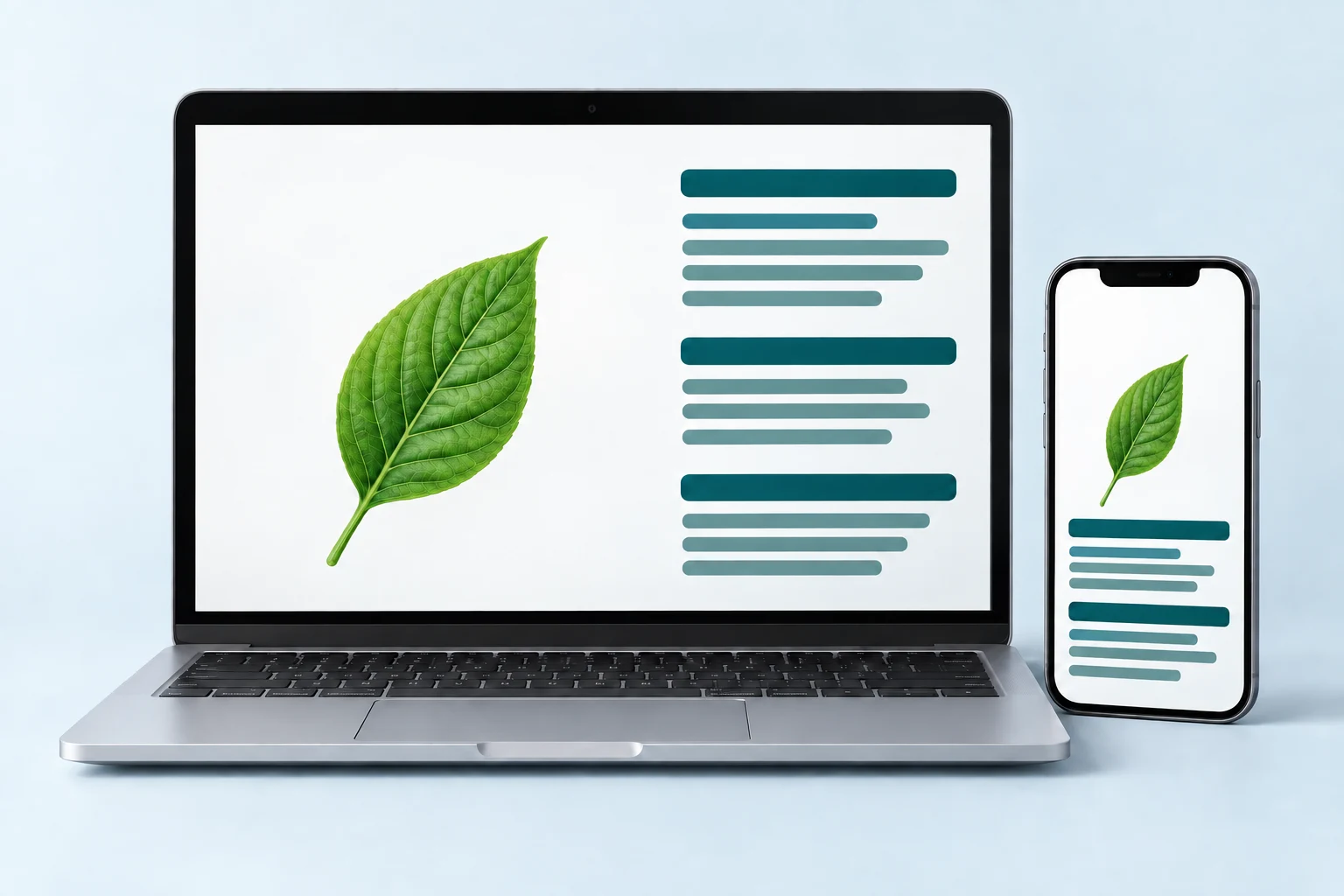
Die Lösung Folien zu Notizen von Pixno läuft in Ihrem Browser, sowohl auf dem Desktop als auch mobil. Laden Sie Folien hoch, erstellen Sie Notizen und prüfen Sie sie auf Laptop, Tablet oder Smartphone – ganz ohne Installationen oder Plugins.

What Is Slides to Notes?

Slides to Notes is an AI-powered tool that converts lecture slides, PowerPoint presentations, Google Slides, and PDF slide decks into well-organized, editable study notes. Instead of manually copying text from each slide, you upload your file and let the AI read every element — headings, bullet points, images, diagrams, charts, and formulas — then output structured notes with summaries, key takeaways, and additional context pulled from the web. Whether you are a college student reviewing lecture slides before exams, a professional turning meeting decks into action items, or a teacher preparing study guides from classroom presentations, Slides to Notes saves hours of manual work and gives you a searchable personal knowledge base you can revisit anytime.

1. Upload Your Slides

Drag and drop your PowerPoint (.pptx), Google Slides, Keynote, or PDF lecture slides into Pixno. The AI accepts all common presentation formats so you can start converting slides to notes immediately.

2. AI Generates Notes

Pixno's vision AI reads every slide — text, images, diagrams, and charts — and produces structured notes with headings, summaries, and key points. It also searches the web to add definitions and context your slides may be missing.

3. Review, Edit & Export

Review your AI-generated notes in the built-in editor. Edit, highlight, or reorganize sections, then export to Notion, Obsidian, Google Docs, Microsoft Word, or download as Markdown for any workflow.

Why Convert Slides to Notes with AI?

Save Hours of Manual Note-Taking

Copying text from each slide by hand is slow and error-prone. AI slides to notes conversion processes an entire deck in seconds, capturing every detail including images and charts that manual note-takers often skip.

Better Exam Prep from Lecture Slides

Lecture slides alone are often incomplete — they contain headings and bullet points but lack the full explanation your professor gave verbally. Pixno fills in those gaps with web research and contextual summaries, giving you study-ready notes.

Searchable Knowledge Base

Once converted, your notes become a searchable knowledge base. Find any concept, formula, or definition across all your slide decks instantly instead of flipping through dozens of PowerPoint files.

Works with Any Presentation Format

Whether your professor uses PowerPoint, Google Slides, Keynote, or uploads PDF versions of their lecture slides, Pixno handles them all. No format conversion needed on your end.

Bereit, Ihre Folien in intelligente Notizen zu verwandeln?

Verwandeln Sie Ihre PowerPoint-, Google-Slides- und Vorlesungs-PDFs in organisierte, lernfertige Notizen und eine persönliche Wissensbasis – mit nur wenigen Klicks.

Learn more about Pixno

Pixno is the AI note maker that transforms images, slides, documents, and audio into clear text notes so you can focus on learning instead of manual transcription.

Frequently Asked Questions

Bereit, deine Fotos in Wissen zu verwandeln?

Klicke auf den untenstehenden Button und verwandle deine Fotos mit Pixno in gut strukturierte Notizen!