moonshotai/kimi-k2.6: What Kimi K2.6 Means for AI Note-Taking

- Name
- Tison Brokenshire
Updated on
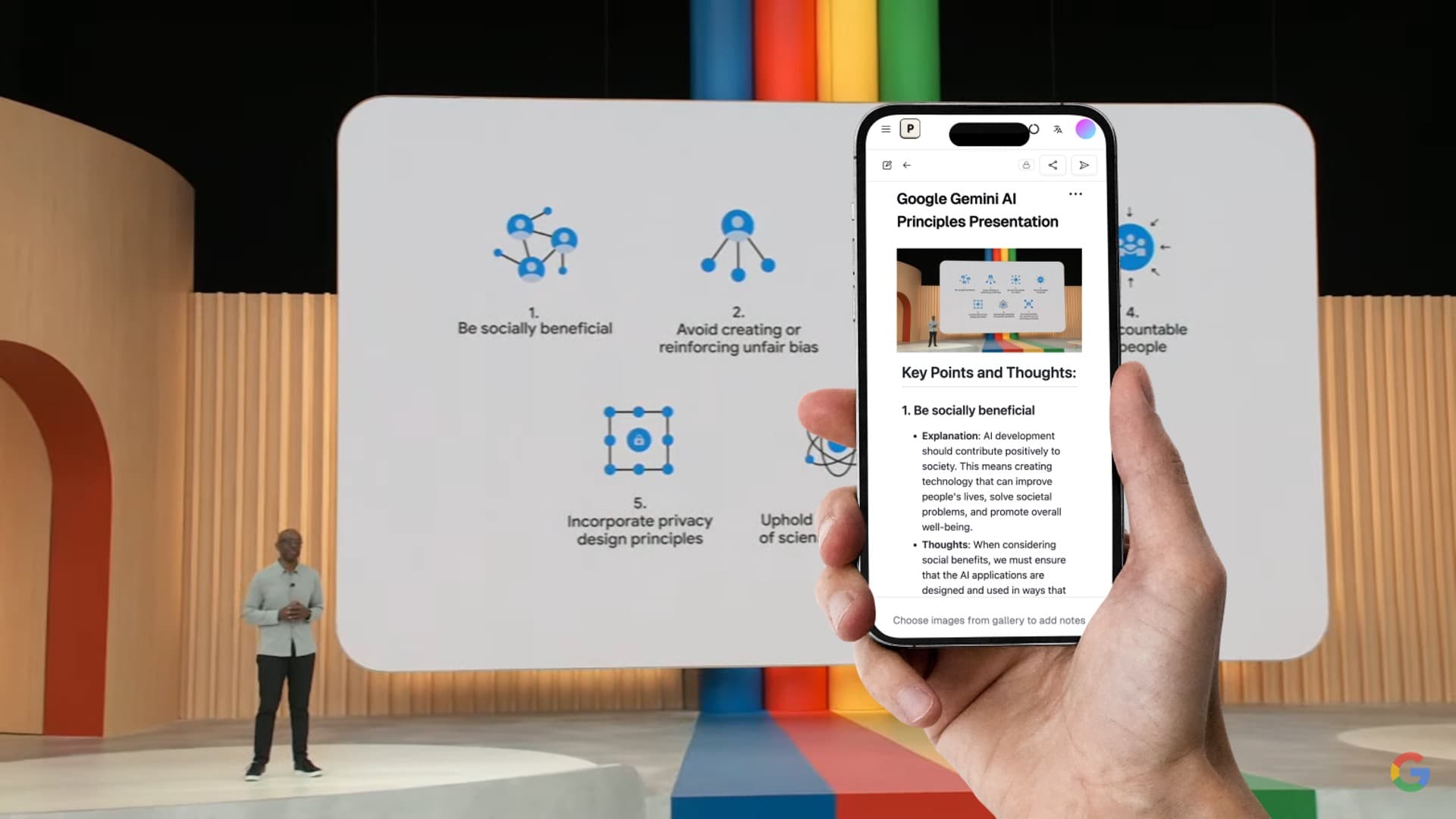
Moonshot AI has released Kimi K2.6, listed on Hugging Face as moonshotai/Kimi-K2.6 (opens in a new tab). The headline is not only that another large model has appeared. The more useful question for students is simpler: what does Kimi K2.6 make easier when your real work is turning messy learning materials into usable notes?
Most students do not study from clean text. They study from lecture slides, scanned PDFs, photos of whiteboards, textbook diagrams, handwritten annotations, lab screenshots, and long recordings. A model that only answers chat questions is useful, but a model that can understand multimodal course material and keep track of long context is much more valuable.
That is where Kimi K2.6 is interesting for Pixno users. Pixno is built around the same student problem: take raw learning materials and convert them into structured, searchable notes. If you want to test Kimi K2.6 on real note-taking tasks instead of only asking it isolated prompts, Pixno (opens in a new tab) gives you a practical place to do that.
What Is Kimi K2.6?
Kimi K2.6 is Moonshot AI's new Kimi model. In its official Kimi K2.6 technical blog (opens in a new tab), Moonshot describes the model as open source and highlights three areas:
- Long-horizon execution for tasks that require many steps instead of one short answer
- Agent and tool-use capabilities for workflows that involve search, code execution, browsing, and multi-step planning
- Visual and multimodal agent tasks where the model must understand more than plain text
The Kimi vision model documentation (opens in a new tab) also lists kimi-k2.6 as a vision-capable model and says the latest kimi-k2.6 can understand video content. Moonshot's Hugging Face model page lists a 1.1T parameter model size and notes that official experiments used a 262,144-token context length.
For developers, those details point to coding agents and automation. For students, they point to something more concrete: Kimi K2.6 can help process larger, more visual, more fragmented study materials.
Why This Matters for AI Note-Taking
Traditional note tools assume the source material is already text. That is not how school works.
| Student material | Why basic tools struggle | Why Kimi K2.6-style models matter |
|---|---|---|
| Lecture slides | Slides split ideas across layouts, charts, and speaker context | Multimodal models can read layout and explain what the slide means |
| PDF textbooks | Long chapters exceed short-context workflows | Long-context models can keep more of the chapter in view |
| Whiteboard photos | Handwriting, arrows, and diagrams confuse OCR | Vision models can interpret spatial relationships |
| Lab screenshots | Important information appears in UI, charts, and tables | Visual understanding can turn screenshots into procedural notes |
| Recorded lectures | Audio and visual content need to be combined | Multimodal workflows can connect transcript, slides, and diagrams |
This is the core difference between "AI chat" and "AI note-taking."
An AI chatbot can answer a question. An AI note-taking workflow has to ingest your actual study material, preserve the structure, identify the important concepts, and turn everything into notes you can review before an exam. Kimi K2.6's strengths are relevant because that workflow is naturally long, multimodal, and multi-step.
The Best Kimi K2.6 Use Cases in Pixno
Pixno is designed for students who do not want to manually rewrite every slide, image, or PDF into notes. With a model like Kimi K2.6 behind the workflow, the most useful applications are not abstract benchmark tasks. They are daily study jobs.
1. Convert Lecture Slides into Study Notes
Lecture slides are often incomplete on purpose. They are designed to support a professor's talk, not replace it. A slide might contain only a diagram, a few labels, and a short phrase. Basic OCR extracts the labels, but it does not explain the concept.
In Pixno, you can upload a slide deck or PDF and generate structured notes from the whole lecture. Kimi K2.6's visual and long-context capabilities are useful here because the model can help with:
- Reading headings, bullet points, captions, and labels
- Interpreting diagrams, charts, formulas, and tables
- Grouping related slides into coherent sections
- Turning slide fragments into study-ready explanations
- Creating summaries, key terms, and review questions
For students, this is the difference between scrolling through 80 slides and reviewing a clear set of notes.
For a dedicated workflow, see our guide to converting lecture slides to notes.
2. Turn PDF Readings into Reviewable Notes
PDFs are hard to study from when they are long, dense, and visually formatted. Textbook chapters include callout boxes, figures, equations, citations, and tables. Research papers add methodology sections, results tables, charts, and footnotes.
Kimi K2.6 is relevant because Moonshot emphasizes long-context and tool-assisted reasoning. In a note-taking workflow, that means the model can help maintain continuity across a long reading instead of summarizing one page at a time.
In Pixno, students can use this for:
- Chapter summaries
- Key term extraction
- Formula and definition tables
- Research paper breakdowns
- "What should I remember for the exam?" notes
- Comparison notes across multiple readings
The practical goal is not to replace reading. It is to reduce the time spent turning reading material into a useful review format.
3. Understand Diagrams, Whiteboards, and Handwritten Notes
Many subjects are visual: biology, chemistry, economics, statistics, computer science, architecture, medicine, and engineering. If your professor draws a process on the board, the arrows and layout often matter as much as the words.
OCR alone is weak here. It may extract labels but lose the relationship between them. A multimodal model can do more:
- Explain what a diagram shows
- Preserve the direction of arrows and process flows
- Convert tables into clean Markdown
- Turn handwritten annotations into readable notes
- Describe relationships between labels, images, and formulas
Pixno's image-to-notes workflow is built for exactly this kind of content. You can photograph a whiteboard or textbook page, upload it, and generate a structured note instead of a loose text dump.
Related workflow: how to photograph whiteboard notes clearly.
4. Build Study Guides from Messy Inputs
Students rarely have one perfect source. A real exam review session might include:
- 5 PDF lecture decks
- 20 phone photos from class
- 2 textbook chapters
- A lab handout
- A recording transcript
- Personal handwritten notes
Kimi K2.6's long-context and agent-oriented design matters because study guide creation is a multi-step task. The model needs to identify overlap, remove duplicate points, preserve important details, and organize the final output.
In Pixno, that can become:
| Output | What Pixno can generate from your materials |
|---|---|
| Structured notes | Organized sections with headings and bullet points |
| Exam review sheet | Key concepts, definitions, formulas, and examples |
| Flashcard prompts | Question-answer pairs for active recall |
| Glossary | Important terms grouped by topic |
| Comparison table | Similar concepts separated side by side |
| Weak spots list | Topics that need follow-up review |
This is where a strong model is most useful. It is not only summarizing. It is helping turn a pile of materials into a study system.
Turn photos to notes and knowledge base
Pixno is your AI note taking assistant that turn photos, audio, docs into well structured text notes and create your personal knowledge base.
Get StartedKimi K2.6 vs OCR: Why Students Should Care
The easiest way to understand Kimi K2.6's value is to compare it with OCR.
| Task | Basic OCR | Kimi K2.6-style multimodal note workflow |
|---|---|---|
| Extract text from a slide | Yes | Yes |
| Understand a diagram | No | Yes, with review |
| Preserve table structure | Sometimes | Usually stronger |
| Explain a chart | No | Yes |
| Summarize a long PDF | No | Yes |
| Create study questions | No | Yes |
| Connect related ideas across files | No | Yes |
| Produce organized study notes | No | Yes |
OCR is still useful. It gets visible text out of an image. But students usually need the next layer: interpretation, structure, and review value. Kimi K2.6 is interesting because its public positioning is not limited to text extraction. It is built for richer, longer, tool-assisted tasks.
How to Try Kimi K2.6 in a Student Workflow
If you only want to test raw model responses, you can try Kimi K2.6 through Moonshot's own channels, including Kimi.com, the Kimi App, API access, and the Hugging Face model page.
If you want to test it the way a student would actually use it, try a note-taking workflow:
- Open Pixno (opens in a new tab).
- Create a notebook for one course or topic.
- Upload a PDF, slide deck, whiteboard photo, or textbook image.
- Generate structured notes.
- Review the output for formulas, names, and technical terms.
- Export the final notes to your study system.
This lets you evaluate what matters: not whether the model can produce an impressive answer in isolation, but whether it can help you study faster from real materials.
Example Prompts for Kimi K2.6 Note-Taking
When using Kimi K2.6 or a Kimi-powered workflow for notes, prompt quality still matters. These prompts work well for students:
For lecture slides
Turn these slides into study notes. Preserve the lecture structure, explain diagrams, list key terms, and add a short exam-review checklist at the end.
For textbook PDFs
Summarize this chapter for a college student. Include definitions, formulas, examples, and a table of concepts that are easy to confuse.
For whiteboard photos
Convert this whiteboard into structured notes. Explain the arrows, labels, and relationships between the parts of the diagram.
For research papers
Create a paper review note with research question, method, dataset, key findings, limitations, and how this paper connects to my topic.
For exam prep
Generate a study guide from these materials. Group concepts by topic, list likely exam questions, and identify areas where the source material seems incomplete.
Pixno reduces the need to copy these prompts manually because the workflow is already designed around notes. But knowing what to ask helps you review and refine the output.
When Kimi K2.6 Is Especially Useful for Students
Kimi K2.6 is most useful when the source material is complex enough that simple summarization fails.
| Course or task | Why Kimi K2.6 helps |
|---|---|
| Biology lecture slides | Diagrams and process labels need explanation |
| Chemistry notes | Formulas, reactions, and structures need careful formatting |
| Computer science lectures | Code snippets, flowcharts, and architecture diagrams need context |
| Economics and statistics | Charts, equations, and tables need interpretation |
| Medical or nursing coursework | Dense visual references need structured review notes |
| Research projects | Long PDFs need consistent extraction across sections |
| Exam review | Multiple files need to become one coherent study guide |
It is less necessary for short, clean text passages. If you only have a paragraph to summarize, almost any modern model can help. The advantage becomes clearer when the material is long, visual, and spread across multiple files.
A Practical Caution: Always Review AI Notes
Kimi K2.6 is powerful, but students should still review generated notes. This is especially important for:
- Mathematical notation
- Chemical formulas
- Legal or medical details
- Names, dates, and citations
- Professor-specific exam hints
- Handwritten content with poor image quality
Use AI-generated notes as a first draft. Then add your own understanding, examples from class, and corrections. That workflow saves time without outsourcing the learning process.
Final Takeaway
Kimi K2.6 is worth paying attention to because it fits the direction AI note-taking is moving: longer context, better visual understanding, stronger tool use, and more reliable multi-step workflows.
For students, the most important question is not "How good is Kimi K2.6 on a benchmark?" It is "Can this model help me turn my actual class materials into notes I can study from?"
That is the experience Pixno is built for. Upload your slides, PDFs, photos, and study materials, then turn them into structured notes you can review, edit, and export. If you want to try Kimi K2.6 in a real note-taking workflow, start with Pixno (opens in a new tab) and test it on the materials you already need to study.