AI로 강의 슬라이드나 PowerPoint를 학습 노트로 변환
Pixno의 AI가 PowerPoint, Google Slides, 강의 PDF를 읽어 웹에서 맥락을 보완하고, 검토·편집·재사용할 수 있는 체계적인 검색 가능한 노트로 변환해 줍니다.
Pixno: 슬라이드를 노트로
슬라이드를 명확하고 검색 가능한 노트로 바꾸는 AI 도구
수업 슬라이드, 회의 자료, 교육 프레젠테이션을 업로드하면 Pixno가 자동으로 구조화된 노트, 요약, 검색 가능한 지식 베이스를 생성합니다. PowerPoint, Google Slides, Keynote, 강의 PDF를 지원합니다.

슬라이드를 시각적으로 이해
Pixno는 고급 비전 모델을 활용해 슬라이드의 텍스트, 이미지, 다이어그램, 차트를 모두 읽어 냅니다. 발표 자료를 잘 구조화된 노트로 바꿔 주므로 강의나 회의를 멈추고 받아 적을 필요가 없습니다.
추가 정보를 조사
AI 에이전트가 관련 웹 결과, 정의, 예시를 자동으로 노트에 추가합니다. Pixno가 강의 슬라이드의 부족한 맥락을 채워 주어 최종 노트가 복습하기 쉽고 시험 준비나 후속 작업에 더 유용해집니다.


개인용 AI 조교 구축
슬라이드 한 세트마다 개인 지식 베이스가 만들어집니다. “이 챕터를 요약해 줘”, “이 차트를 설명해 줘”, “퀴즈 문제를 만들어 줘”처럼 언제든지 Pixno에 질문하면 노트에 기반한 답변을 받을 수 있습니다.
선호하는 노트 앱과 연결
AI가 생성한 노트를 Notion, Obsidian, Google Docs, Google Slides, Microsoft Word 등에 바로 내보낼 수 있습니다. 이미 사용하는 도구에서 학습 자료와 프로젝트 노트를 관리하세요.


어디서나 사용
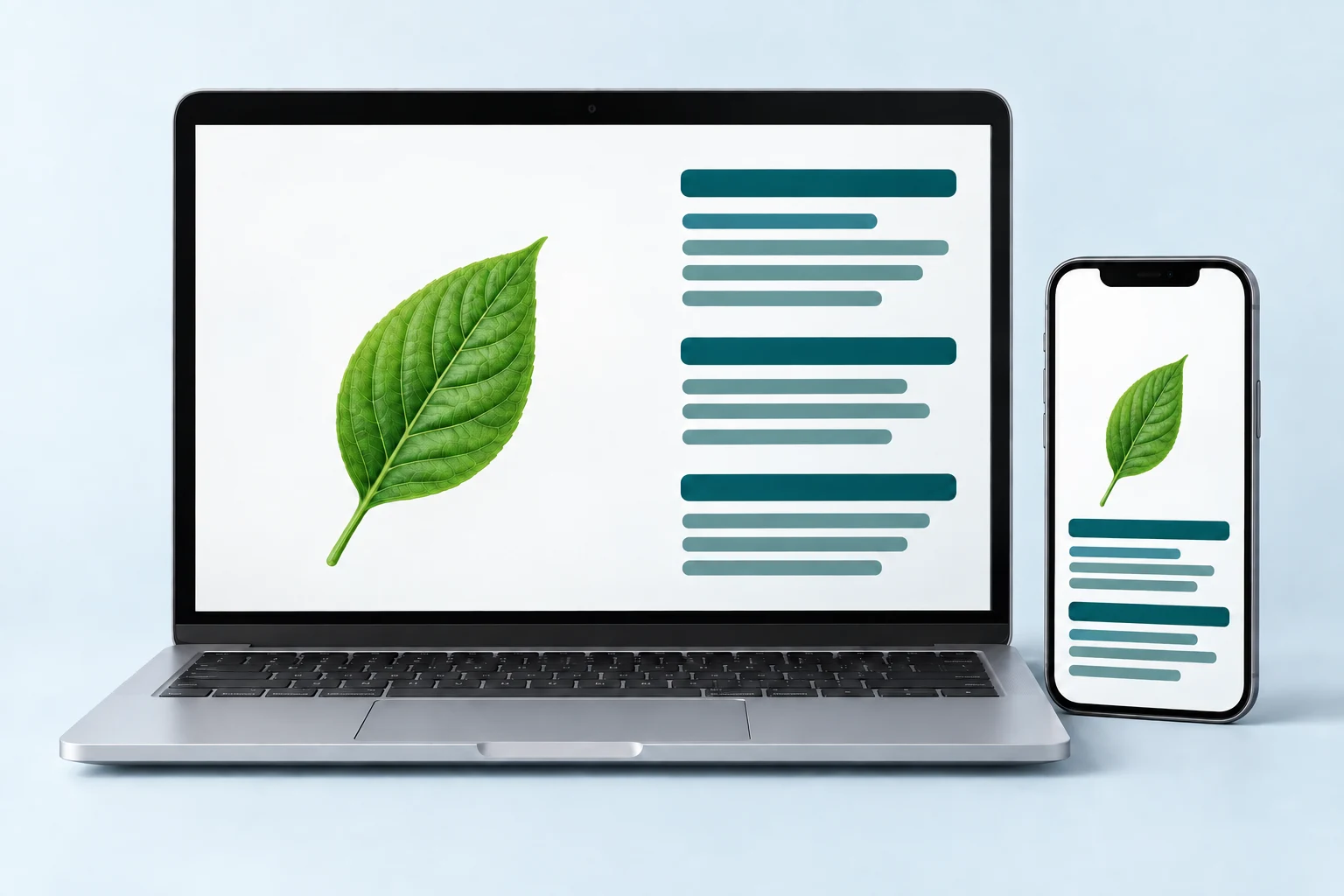
Pixno의 “슬라이드를 노트로” 솔루션은 브라우저에서 실행되며 데스크톱과 모바일 모두에서 사용할 수 있습니다. 슬라이드를 업로드하고 노트를 생성한 뒤 노트북, 태블릿, 휴대폰에서 확인하세요. 설치나 플러그인은 필요 없습니다.
What Is Slides to Notes?
Slides to Notes is an AI-powered tool that converts lecture slides, PowerPoint presentations, Google Slides, and PDF slide decks into well-organized, editable study notes. Instead of manually copying text from each slide, you upload your file and let the AI read every element — headings, bullet points, images, diagrams, charts, and formulas — then output structured notes with summaries, key takeaways, and additional context pulled from the web. Whether you are a college student reviewing lecture slides before exams, a professional turning meeting decks into action items, or a teacher preparing study guides from classroom presentations, Slides to Notes saves hours of manual work and gives you a searchable personal knowledge base you can revisit anytime.
1. Upload Your Slides
Drag and drop your PowerPoint (.pptx), Google Slides, Keynote, or PDF lecture slides into Pixno. The AI accepts all common presentation formats so you can start converting slides to notes immediately.
2. AI Generates Notes
Pixno's vision AI reads every slide — text, images, diagrams, and charts — and produces structured notes with headings, summaries, and key points. It also searches the web to add definitions and context your slides may be missing.
3. Review, Edit & Export
Review your AI-generated notes in the built-in editor. Edit, highlight, or reorganize sections, then export to Notion, Obsidian, Google Docs, Microsoft Word, or download as Markdown for any workflow.
Why Convert Slides to Notes with AI?
Save Hours of Manual Note-Taking
Copying text from each slide by hand is slow and error-prone. AI slides to notes conversion processes an entire deck in seconds, capturing every detail including images and charts that manual note-takers often skip.
Better Exam Prep from Lecture Slides
Lecture slides alone are often incomplete — they contain headings and bullet points but lack the full explanation your professor gave verbally. Pixno fills in those gaps with web research and contextual summaries, giving you study-ready notes.
Searchable Knowledge Base
Once converted, your notes become a searchable knowledge base. Find any concept, formula, or definition across all your slide decks instantly instead of flipping through dozens of PowerPoint files.
Works with Any Presentation Format
Whether your professor uses PowerPoint, Google Slides, Keynote, or uploads PDF versions of their lecture slides, Pixno handles them all. No format conversion needed on your end.
슬라이드를 스마트한 노트로 바꿀 준비가 되셨나요?
PowerPoint, Google Slides, 강의 PDF를 몇 번의 클릭만으로 정리된 학습 노트와 개인 지식 베이스로 전환하세요.
Learn more about Pixno
Pixno is the AI note maker that transforms images, slides, documents, and audio into clear text notes so you can focus on learning instead of manual transcription.
Frequently Asked Questions
더 많은 도구 찾기
Pixno의 모든 AI 유틸리티 모음을 둘러보세요.