講義スライドやPowerPointをAIで学習ノートに変換
PixnoのAIがPowerPoint、Googleスライド、講義PDFを読み取り、ウェブからのコンテキストを補足して、レビュー・編集・再利用できる整理された検索可能なノートに変換します。
Pixno「スライドからノートへ」
スライドをわかりやすく検索しやすいノートに変えるAIツール
授業スライド、会議資料、研修プレゼンをアップロードすると、Pixnoが自動で構造化されたノート、要約、検索可能なナレッジベースを作成します。PowerPoint、Googleスライド、Keynote、講義PDFに対応しています。

スライドをビジュアルで理解
Pixnoは高度なビジョンモデルを使用して、スライド上のテキスト、画像、図、チャートをすべて読み取ります。プレゼン資料を構造化されたノートに変換するので、講義や会議を中断してメモを取る必要がありません。
不足している情報をリサーチ
AIエージェントが関連するウェブ結果、定義、例を自動でノートに追加します。Pixnoが講義スライドの不足しているコンテキストを補い、最終的なノートが復習しやすく、試験対策や後続の作業にも役立ちます。


パーソナルAI TAを構築
スライドのセットごとに個人用のナレッジベースができます。「この章を要約して」「このチャートを説明して」「クイズ問題を作成して」など、いつでもPixnoに質問すれば、アップロードしたノートに基づいた回答が得られます。
お気に入りのノートアプリと連携
AIが生成したノートをNotion、Obsidian、Googleドキュメント、Googleスライド、Microsoft Wordなどに直接エクスポートできます。使い慣れたツールに学習資料やプロジェクトノートをまとめておけます。


どこでも使える
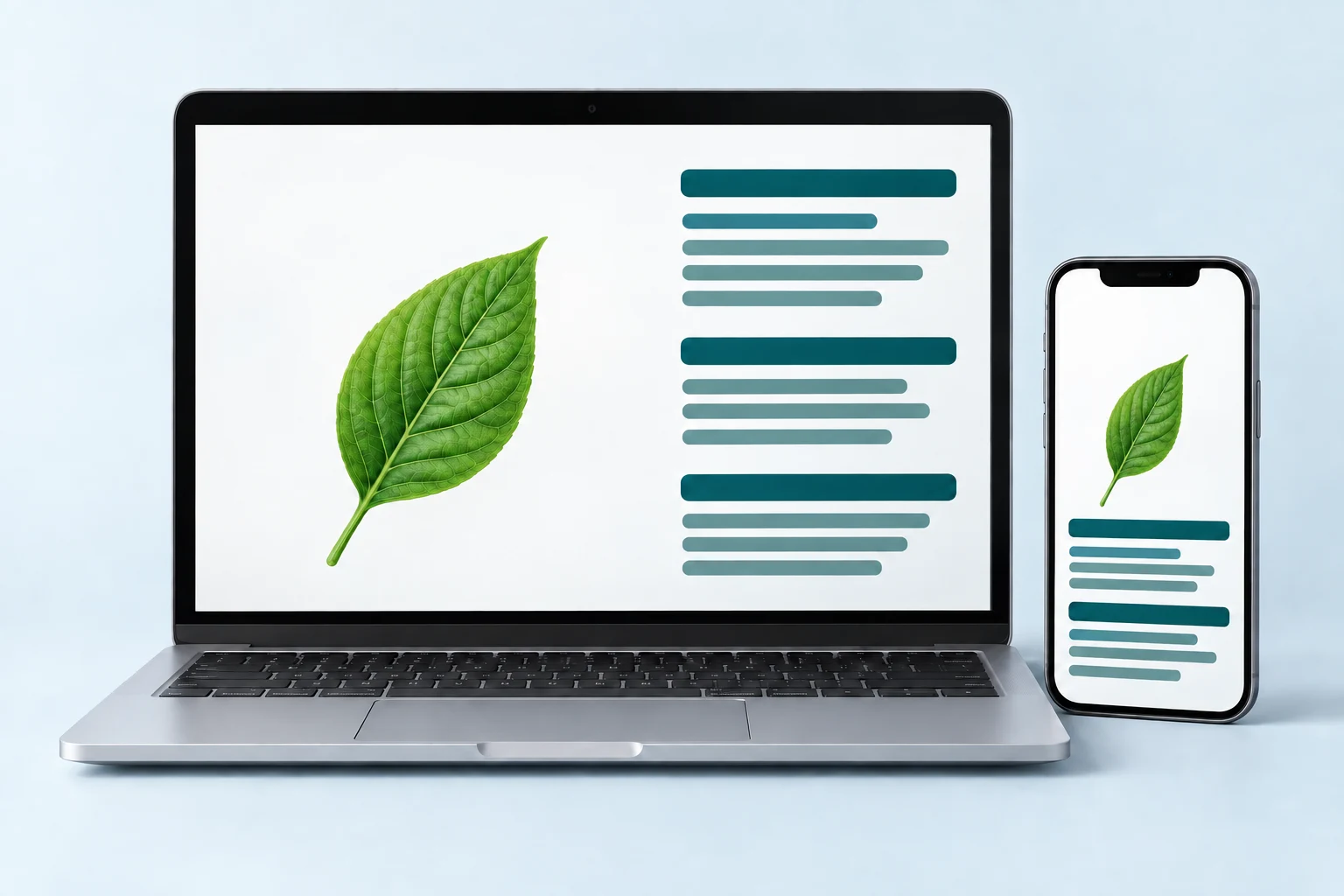
Pixno「スライドからノートへ」はブラウザで動作し、デスクトップとモバイルのどちらでも利用できます。スライドをアップロードしてノートを生成し、ノートPC、タブレット、スマートフォンで確認できます。インストールやプラグインは不要です。
What Is Slides to Notes?
Slides to Notes is an AI-powered tool that converts lecture slides, PowerPoint presentations, Google Slides, and PDF slide decks into well-organized, editable study notes. Instead of manually copying text from each slide, you upload your file and let the AI read every element — headings, bullet points, images, diagrams, charts, and formulas — then output structured notes with summaries, key takeaways, and additional context pulled from the web. Whether you are a college student reviewing lecture slides before exams, a professional turning meeting decks into action items, or a teacher preparing study guides from classroom presentations, Slides to Notes saves hours of manual work and gives you a searchable personal knowledge base you can revisit anytime.
1. Upload Your Slides
Drag and drop your PowerPoint (.pptx), Google Slides, Keynote, or PDF lecture slides into Pixno. The AI accepts all common presentation formats so you can start converting slides to notes immediately.
2. AI Generates Notes
Pixno's vision AI reads every slide — text, images, diagrams, and charts — and produces structured notes with headings, summaries, and key points. It also searches the web to add definitions and context your slides may be missing.
3. Review, Edit & Export
Review your AI-generated notes in the built-in editor. Edit, highlight, or reorganize sections, then export to Notion, Obsidian, Google Docs, Microsoft Word, or download as Markdown for any workflow.
Why Convert Slides to Notes with AI?
Save Hours of Manual Note-Taking
Copying text from each slide by hand is slow and error-prone. AI slides to notes conversion processes an entire deck in seconds, capturing every detail including images and charts that manual note-takers often skip.
Better Exam Prep from Lecture Slides
Lecture slides alone are often incomplete — they contain headings and bullet points but lack the full explanation your professor gave verbally. Pixno fills in those gaps with web research and contextual summaries, giving you study-ready notes.
Searchable Knowledge Base
Once converted, your notes become a searchable knowledge base. Find any concept, formula, or definition across all your slide decks instantly instead of flipping through dozens of PowerPoint files.
Works with Any Presentation Format
Whether your professor uses PowerPoint, Google Slides, Keynote, or uploads PDF versions of their lecture slides, Pixno handles them all. No format conversion needed on your end.
スライドをスマートなノートに変換する準備はできていますか?
PowerPoint、Googleスライド、講義PDFを数回のクリックで整理された学習ノートと個人用ナレッジベースに変換しましょう。
Learn more about Pixno
Pixno is the AI note maker that transforms images, slides, documents, and audio into clear text notes so you can focus on learning instead of manual transcription.
Frequently Asked Questions
さらに多くのツールを探す
Pixno の AI ユーティリティの全コレクションをご覧ください。