Convert PDFs to study notes
Upload a PDF and turn it into structured notes you can edit. Pixno reads the text and visuals in lecture handouts, textbooks, and research papers.
Free accounts can generate notes from the first 8 pages of a PDF.
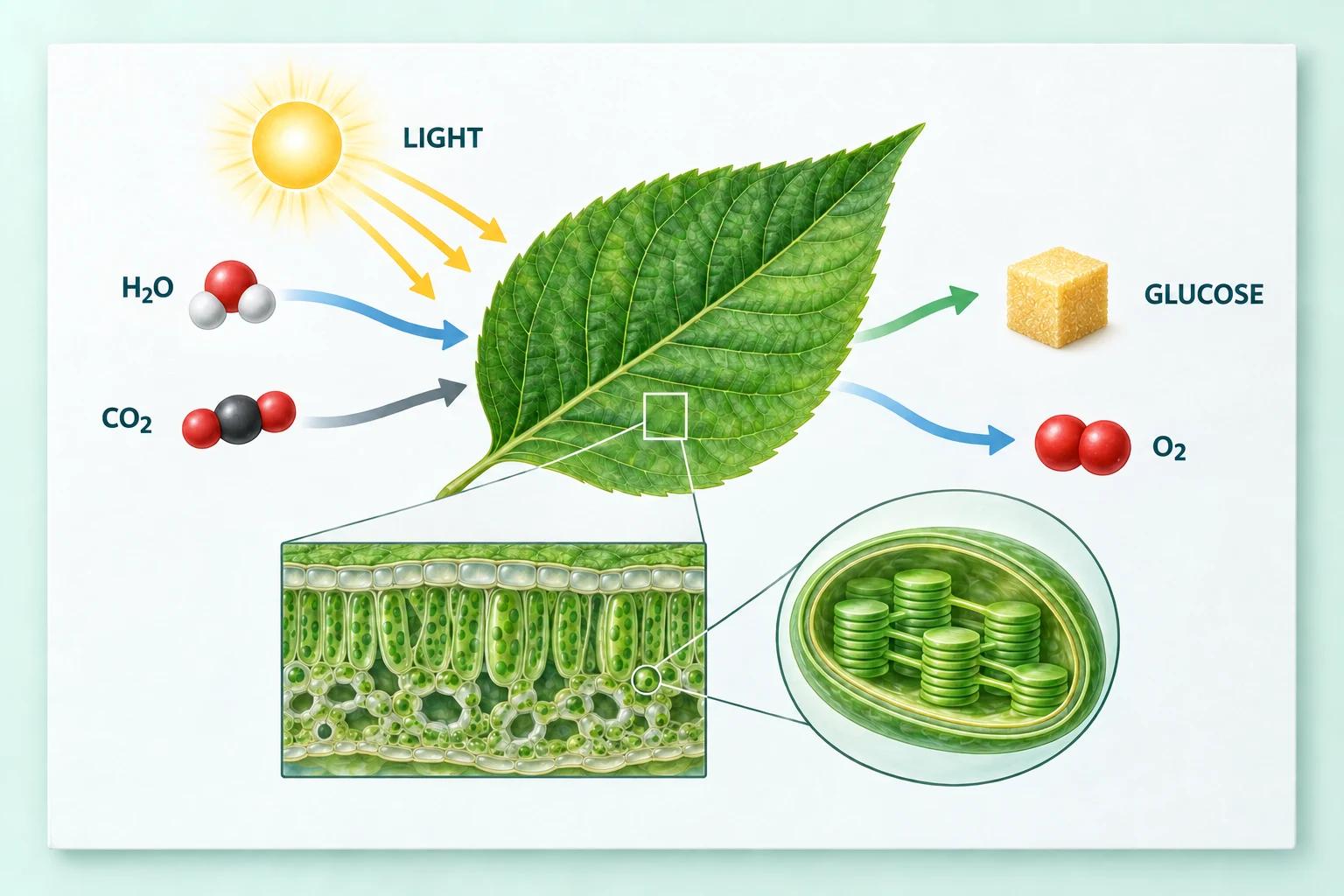
What you can do with your PDF notes
Keep the details that matter
Pixno turns text, tables, charts, formulas, and diagrams into structured notes you can edit.
Add web research when you need it
Enable web research in your note settings to include findings from online sources.
Export your notes
Export your notes as a PDF for free. Paid plans unlock Notion, Obsidian, Google Docs, Microsoft Word, and Markdown exports.
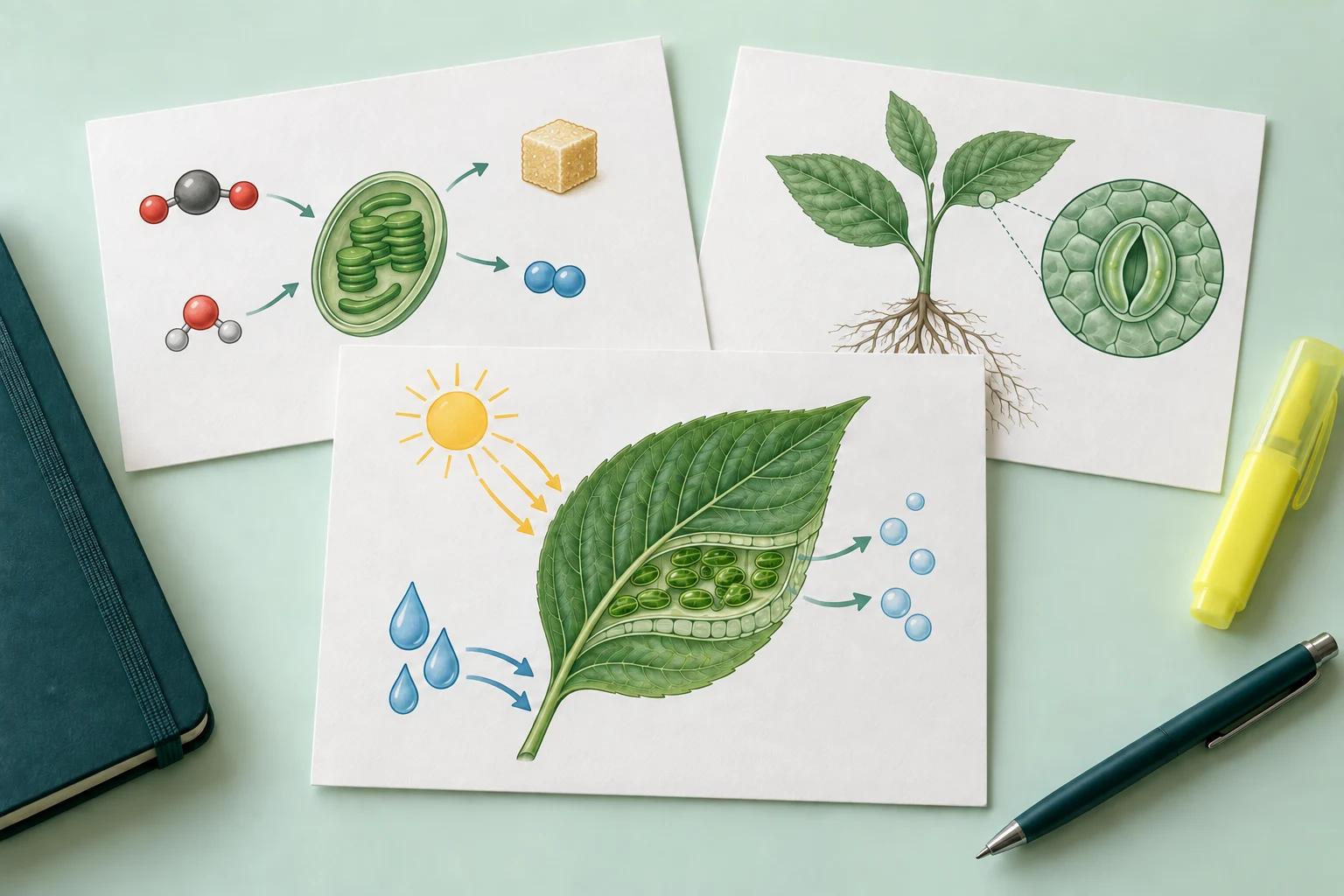
Ask questions about your PDF notes
Open AI chat with your generated notes. Ask for a plain-language explanation, a summary of a section, or practice questions based on the material.
PDFs you can study with Pixno
- Lecture handouts
- Textbooks
- Research papers
- Multi-page study packets
Frequently asked questions
Can I turn a scanned PDF into notes?
Yes. Pixno works with native PDFs that contain selectable text and scanned PDFs made up of page images. Clear scans make text and diagrams easier to read.
Can I convert a full PDF to notes?
With a free account, you can generate a preview from the first 8 pages. Paid subscriptions and non-renewing 90-day or 180-day passes unlock full-document generation.
Does Pixno use the web when converting my PDF?
Pixno searches the web only when you enable web research in your note settings.
Which formats can I export my notes to?
PDF export is free. Paid plans unlock exports to Notion, Obsidian, and Google Docs, along with Microsoft Word and Markdown downloads.
Try Pixno with your own PDF
Start with the first 8 pages for free. For the whole document, choose a paid subscription or a non-renewing 90-day or 180-day pass.
Convert a PDF