Slides to Notes – Turn PowerPoint & Lecture Slides into Study Notes with AI | Pixno
Pixno’s AI reads your PowerPoint, Google Slides, or lecture PDFs, adds context from the web, and turns them into organized, searchable notes you can review, edit, and reuse.
Pixno Slides to Notes
AI tool that turns your slides into clear, searchable notes
Upload your class slides, meeting decks, or training presentations and let Pixno automatically create structured notes, summaries, and a searchable knowledge base. Works with PowerPoint, Google Slides, Keynote, and PDF lecture slides.

Understand Slides Visually
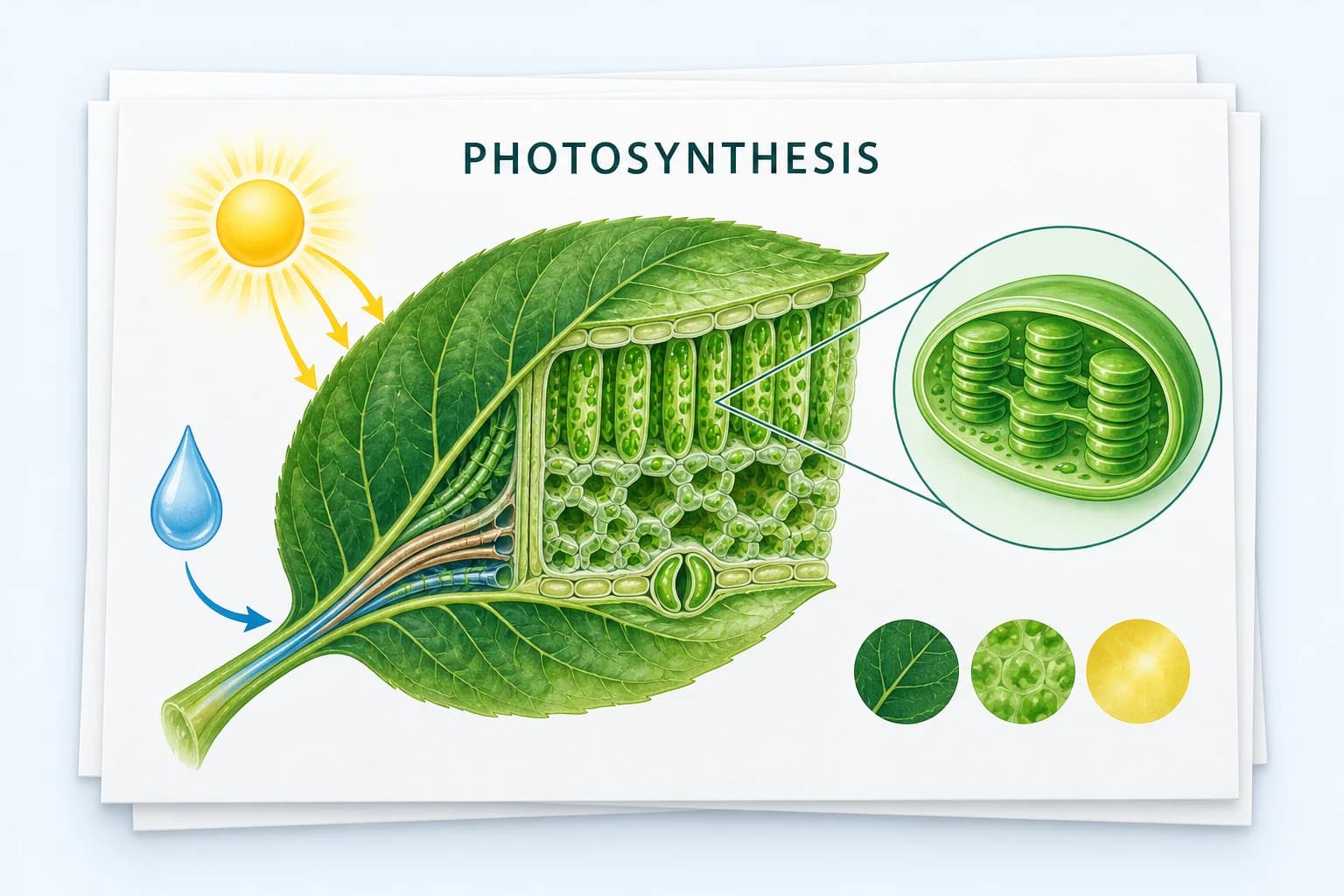
Pixno uses advanced vision models to read everything on your slides — text, images, diagrams, and charts. It converts your presentation into well-structured notes, so you don’t have to pause the lecture or meeting to write everything down.
Research Extra Information
An AI agent automatically augments your notes with relevant web results, definitions, and examples. Pixno fills in missing context from your lecture slides, so your final notes are easier to review and better for exam prep or follow-up work.


Build a Personal AI TA
Every set of slides becomes a personal knowledge base. Ask Pixno questions about your lecture slides or decks at any time — “summarize this chapter,” “explain this chart,” or “generate quiz questions” — and get answers grounded in your notes.
Connect with Your Favorite Note Apps
Export your AI-generated notes directly to Notion, Obsidian, Google Docs, Google Slides, Microsoft Word, and more. Keep all your study materials and project notes in the tools you already use.


Use Anywhere
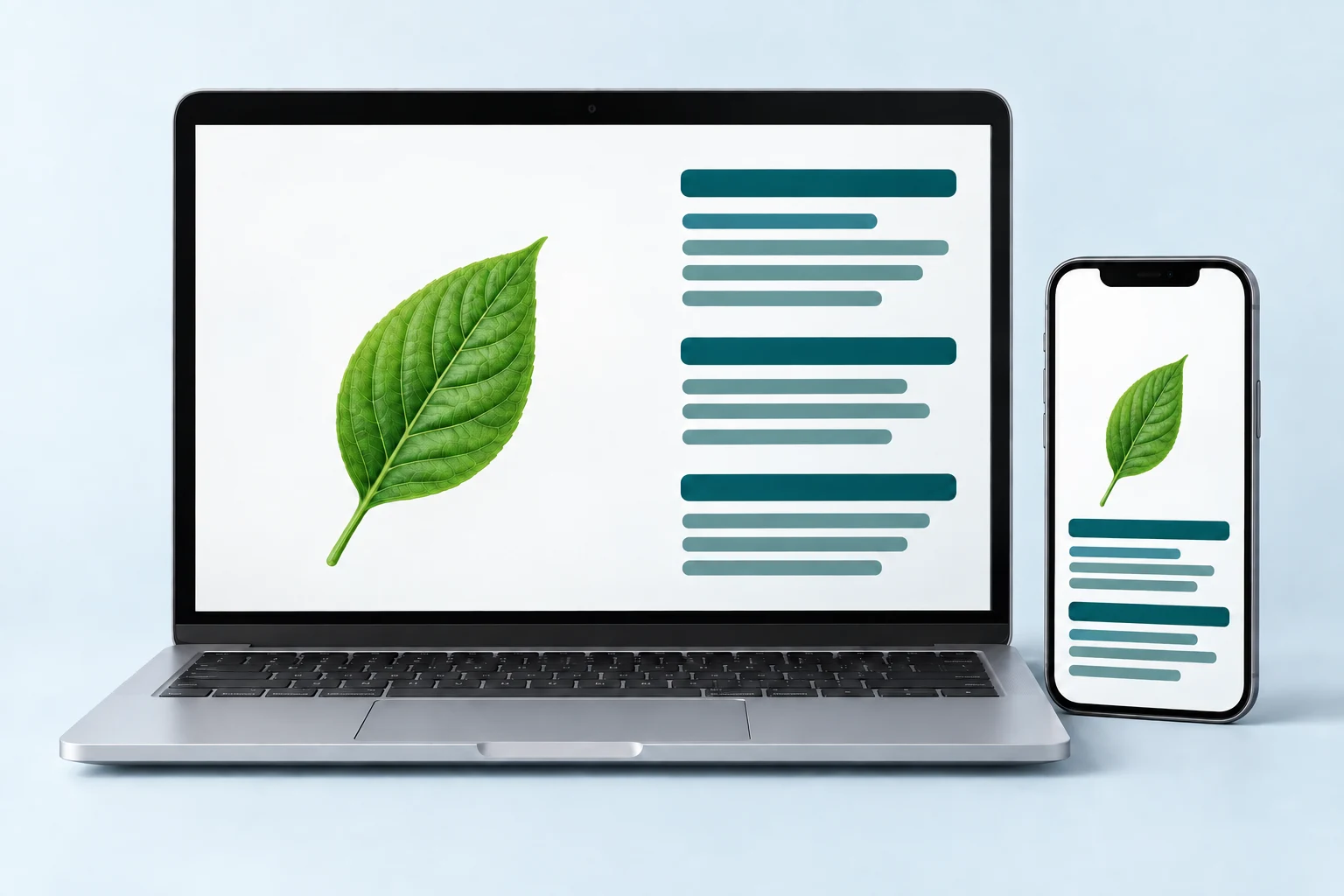
Pixno Slides to Notes runs in your browser, on both desktop and mobile. Upload slides, generate notes, and review them on your laptop, tablet, or phone — no installs or plugins required.
Ready to turn your slides into smart notes?
Convert your PowerPoint, Google Slides, and lecture PDFs into organized, study-ready notes and a personal knowledge base — in just a few clicks.